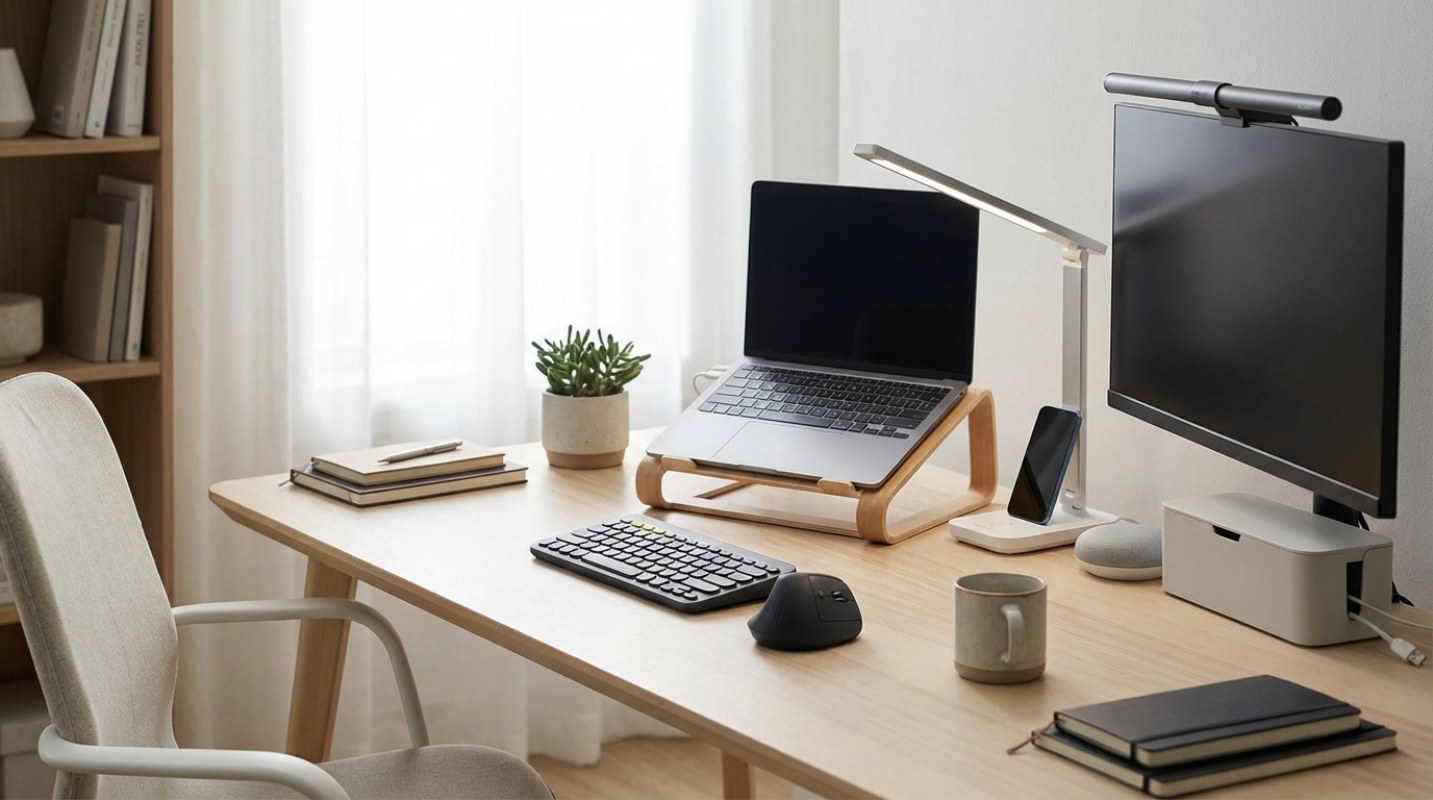
Working from home, a local coffee shop, or a beach in Bali sounds like the dream. But let's be honest for a second. When you work outside the traditional office walls, you are the primary target for cybercriminals. In 2026, hackers aren't just guessing passwords. They are using highly sophisticated, AI-driven phishing attacks that can trick even the most tech-savvy professionals. Because remote workers access corporate networks from various locations and devices, securing your identity perimeter is the single most important defense for modern enterprises.¹
Why Your Browser Isn't Enough
It means the old habit of letting your web browser save your passwords is a massive risk. Sure, it's convenient when Chrome or Safari autofills your login. But if someone gets physical access to your laptop, or if malware slips past your defenses, those browser-stored credentials are incredibly easy to extract.
According to the 2025 Verizon Data Breach Investigations Report, a staggering 81% of hacking-related breaches involve stolen, compromised, or weak credentials.² To make matters worse, research shows the average employee now has to manage 87 different passwords.² No one can remember that many secure strings of characters, which leads to dangerous password reuse across personal and corporate accounts.
But hope isn't a security approach. The 2025 IBM Cost of a Data Breach Report found that the average cost of a data breach has climbed to $4.88 million, with credential attacks being some of the hardest to detect. For remote workers, a password manager is the digital equivalent of a high-tech security system for your virtual office. It secures your identity, keeping your personal life and your company's data safe.
The Must-Have Features for Distributed Teams
If you are shopping for a password manager for yourself or your remote team in 2026, you can't just settle for a basic digital vault. You need tools built for the realities of modern, decentralized work. Here are the features you should demand
• Zero-Knowledge Architecture: This is the absolute baseline of modern security. It means the password manager company has zero access to your master password or your decrypted vault contents. Everything encrypts and decrypts locally on your device before it ever touches the cloud.
• Seamless Cross-Platform Syncing: You might start your workday on a Mac, check a client email on an Android phone, and finish up on a Windows desktop. Your password manager must sync instantly across all these platforms, browsers, and mobile devices.
• Secure Credential Sharing: Sending passwords over Slack or email is a disaster waiting to happen. You need a tool that lets you securely share logins with coworkers, clients, or freelancers without exposing the actual password.
• Passkey and Passwordless Support: The transition to passkeys is moving fast in 2026. Your manager needs to generate, store, and sync passkeys across different operating systems without a hitch.
• SSO and SCIM Integration: For growing teams, connecting your password manager to Single Sign-On (SSO) and System for Cross-domain Identity Management (SCIM) is a lifesaver. When a remote employee leaves the company, IT admins can instantly revoke access, preventing dangerous offboarding gaps.
The Best Password Managers of 2026
Choosing the right tool depends on your team size, budget, and technical comfort. Let's look at the top solutions dominating the remote workspace in 2026.
1Password Business
If you want a tool that your team will actually enjoy using, 1Password is the clear leader.³ Priced at around $7.99 per user each month, it combines top-tier security with an incredibly polished user experience. It uses a zero-knowledge model with standard AES-256 encryption, but adds an extra layer of defense with a unique 128-bit Secret Key that you need alongside your master password.
For remote workers and digital nomads, 1Password has a brilliant feature called Travel Mode. This temporarily removes sensitive vaults from your devices when you cross international borders, protecting your data from border searches. Plus, every business seat comes with a free personal family plan, helping your team practice great security habits at home.
Bitwarden Enterprise
For technical teams, freelancers, and businesses that demand total transparency, Bitwarden is the ultimate champion. At about $6.00 per user each month, it offers an open-source codebase that is continuously audited by security experts worldwide.⁴
Bitwarden supports highly secure, slow-hashing algorithms like Argon2id. It is also one of the few platforms that allows you to self-host your vault database, though most small businesses stick to the cloud version to avoid the maintenance hassle. Its Directory Connector syncs smoothly with tools like Okta and Azure AD, making user management simple.
Keeper Business
If your organization has complex IT needs and wants a true zero-trust setup, Keeper is your powerhouse. Starting at around $3.75 per user each month, Keeper offers some of the most granular administrator controls on the market.
One of Keeper's coolest features is KeeperChat, an encrypted messaging platform built right into the ecosystem. This lets remote teammates discuss sensitive credentials and share files without leaving their secure environment. It also integrates deeply with advanced security monitoring tools, making it a favorite for larger enterprise teams.
NordPass for Business
NordPass is a modern, highly competitive option that has quickly become a favorite for small and medium businesses. Instead of the usual AES-256 encryption, NordPass uses XChaCha20. This newer encryption standard is faster and highly efficient on mobile devices.
NordPass offers a clean admin panel, real-time dark web breach monitoring, and an innovative email masking feature. This lets remote workers create alias emails to hide their true identities and dodge spam or phishing attempts.
RoboForm for Business
On a tight budget? RoboForm is the undisputed king of value, coming in at under $1.00 per user each month. Although it lacks some of the flashy enterprise features of its competitors, it excels at one important task: form filling.
RoboForm has the most accurate autofill engine in the industry. If your remote work involves constantly filling out complex web forms, databases, or client portals, this tool will save you hours of tedious typing.
Beyond Passwords to Improve Your Remote Security Posture
Having a great tool is only half the battle. To truly lock down your digital life, you need to use these tools to their full potential.
First, stop creating your own passwords. When you sign up for a new service, let your manager generate a long, random string of characters. A secure password in 2026 should be at least 16 characters long, combining uppercase letters, lowercase letters, numbers, and symbols. Since you don't have to remember it, make it as complex as possible.
Second, turn on dark web monitoring. Most premium managers will scan known leak databases for your email addresses. If your credentials show up in a breach, you will get an instant alert, allowing you to change your password before hackers can exploit it.
Finally, keep your worlds separate. Many remote workers make the mistake of saving personal Netflix passwords in their company vault, or worse, saving client credentials in a personal account. Use separate vault spaces in your manager to keep your professional and personal lives completely isolated. This protects your privacy and makes sure you don't accidentally leave company data behind if you switch jobs.
Secure Your Remote Workspace Today
In the remote work era, your digital identity is your most valuable asset. Cybersecurity is no longer something that only concerns the IT department. It is a daily, personal responsibility.
Investing in a dedicated password manager is one of the simplest and most effective steps you can take to protect your career, your personal data, and your employer. Whether you choose the user-friendly design of 1Password, the open-source transparency of Bitwarden, or the budget-friendly power of RoboForm, the best tool is the one you actually use every single day.
Take fifteen minutes today to audit your current habits. Export your passwords from your browser, import them into a secure manager, and start replacing those weak, reused passwords. Your future self will thank you.
Sources:
1. Everykey Enterprise Password Storage Solutions
https://unlocked.everykey.com/best-enterprise-password-storage-solutios-for-2026-top-enterprise-password-managers-for-secure-acces/
2. Petronella Tech Password Managers Comparison Guide
https://petronellatech.com/blog/best-password-managers-for-business-2026-comparison-guide/
3. 1Password vs Bitwarden Comparison
https://1password.com/blog/bitwarden-vs-1password
4. Bitwarden Enterprise Resources
https://bitwarden.com/resources/top-10-enterprise-password-managers-compared/